Pricing
Unlock even more features and support the development of Devkeepr by upgrading to Pro
Free
- Smart Hibernation
- Project Command Center
- Process Window
- Workspaces
- Terminals & Agents
- Global Package Updater
- Disk Usage Dashboard
- Git Auto-Sync
- Command Palette
- And more
Pro
Everything in Free, plus:
- MCP Server
- Agent Activity Panels
- CI/CD Workflow Monitoring
- Deployment Watchers
- Claude Code Usage Dashboard
-
CLI Tool
dk - Service Connections
- 2 Devices
- Priority Support
- Fund indie dev tools
Team
Includes 5 seats at 70€/yr each
Additional seats 50€/yr each
Everything in Pro, plus:
- 5 Seats Included, add unlimited
- 1 Device per Seat
- Team Management
- Billing Address
What's included in Pro
MCP Server
Connect your coding agents to Devkeepr over MCP. They run dev servers and tests through the app instead of shells you never see, and work with everything Devkeepr knows about the project: its scripts, logs, services and CI.
Activity Panels
A workspace panel that shows what your (sub)agents are running. Every test run, build, dev server and CI run they start opens there as a new tab, the newest on screen, so you catch a wrong turn while it's still one file deep.
CI/CD Workflow Monitor
Live status updates whenever you push. Get notified when workflows pass or fail. Currently supports GitHub and GitLab, with Bitbucket coming soon.
Deployment Watcher
Track deployments with live status updates and desktop notifications. Currently supports Laravel Forge, with Laravel Cloud, Vercel, and more coming soon.
Claude Code Usage Dashboard
Overall and per-project Claude Code usage graphs over time
CLI Tool dk
The fastest way to navigate your projects in the terminal. Period.
Service Connections
Connect GitHub, Forge, and other services to unlock deeper integrations across your projects
Included with every download
A genuinely useful free tier, no tricks. Made by developers, for developers.
Run your project scripts (npm, composer, makefile, GitHub workflows, GitLab pipelines) from anywhere and see project health at a glance. A unified interface for everything happening across your codebase.
See everything running across your projects in one place, grouped by the project it belongs to. Dev servers, build scripts, agent sessions, and CI runs share the same sidebar, and your working set is waiting where you left it after a restart.
Only projects you're actually working on show up here, the ones running something or that you've pinned. Every other repo on your machine stays out of view, so the list never turns into noise.
Put the agent you're steering, its dev server and its tests in one pane, from one project or several. Drag panels around, resize them, stack more in tabs, and jump between them from the keyboard. Keep as many workspaces as you need, each with its own name.
Open a real shell on any project, or spin up an AI agent that stays attached to it. Sessions survive restarts, agents resume the conversation where you left off, and a failed run can be handed straight to an agent to fix.
Idle projects stay small by intelligently deleting dependencies, cache and build files. They wake up instantly the moment you start working. Configure default hibernation settings applied to all new projects automatically.

Auto-wake detects when you open a project in your IDE
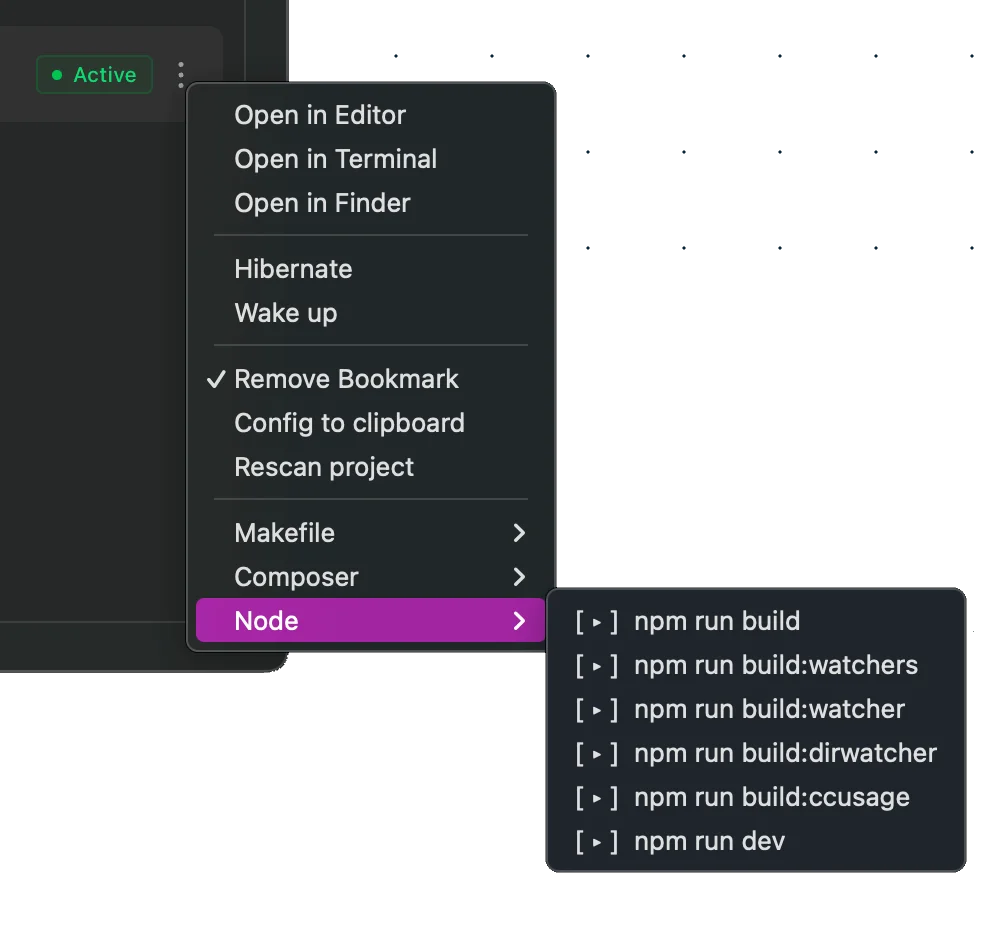
Run project scripts without opening a terminal. Supports npm, composer, makefile, GitHub workflows, and GitLab pipelines from a unified interface.
Visualize disk usage across all your projects and reclaim space with a single click
Everything accessible via keyboard. Search across projects, run scripts, toggle hibernation, and navigate between views without reaching for the mouse.
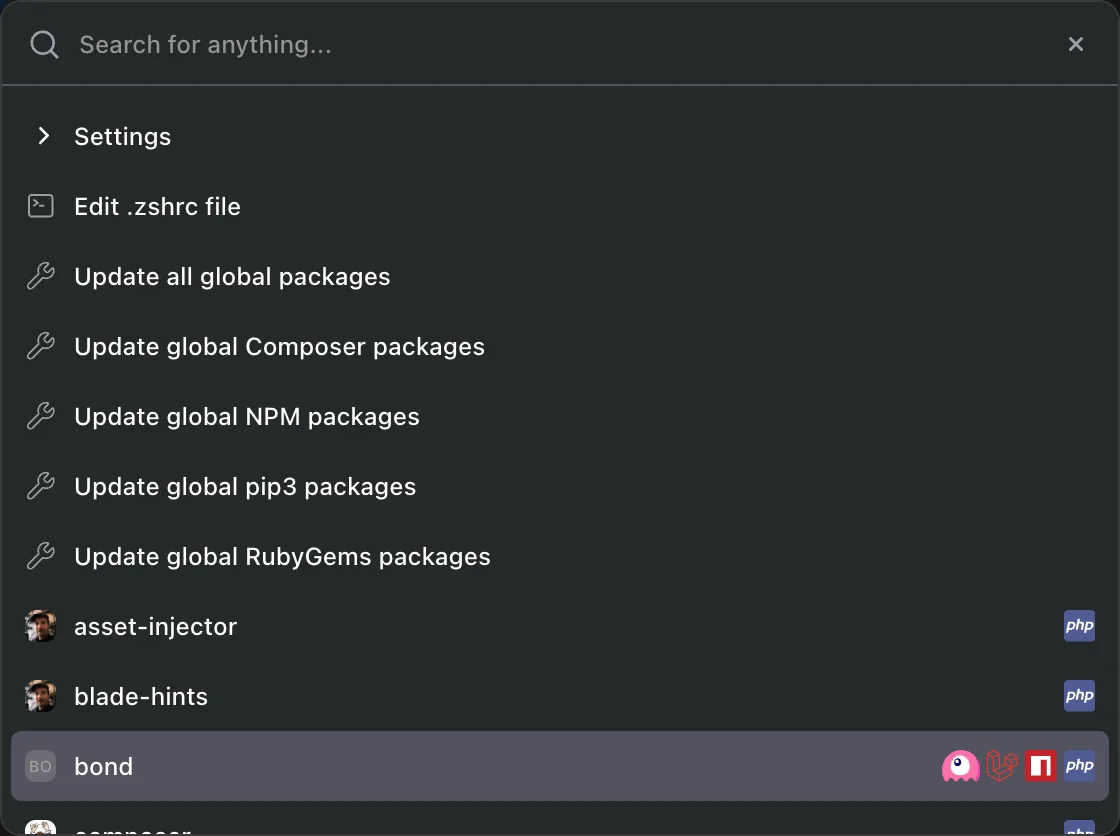
Keep track of and schedule updates for your global packages. Auto-update on a configurable schedule so your development tools stay current without thinking about it.
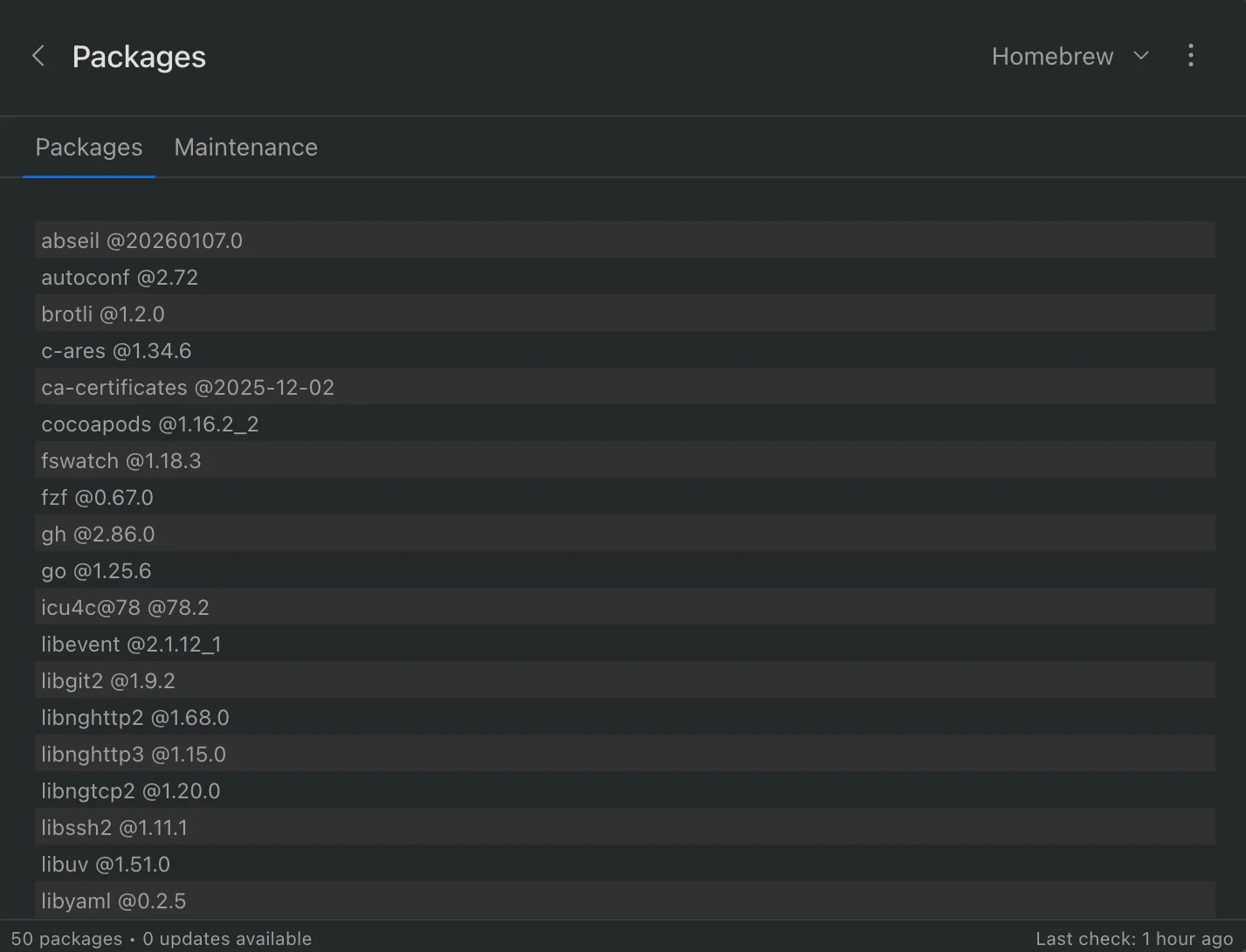
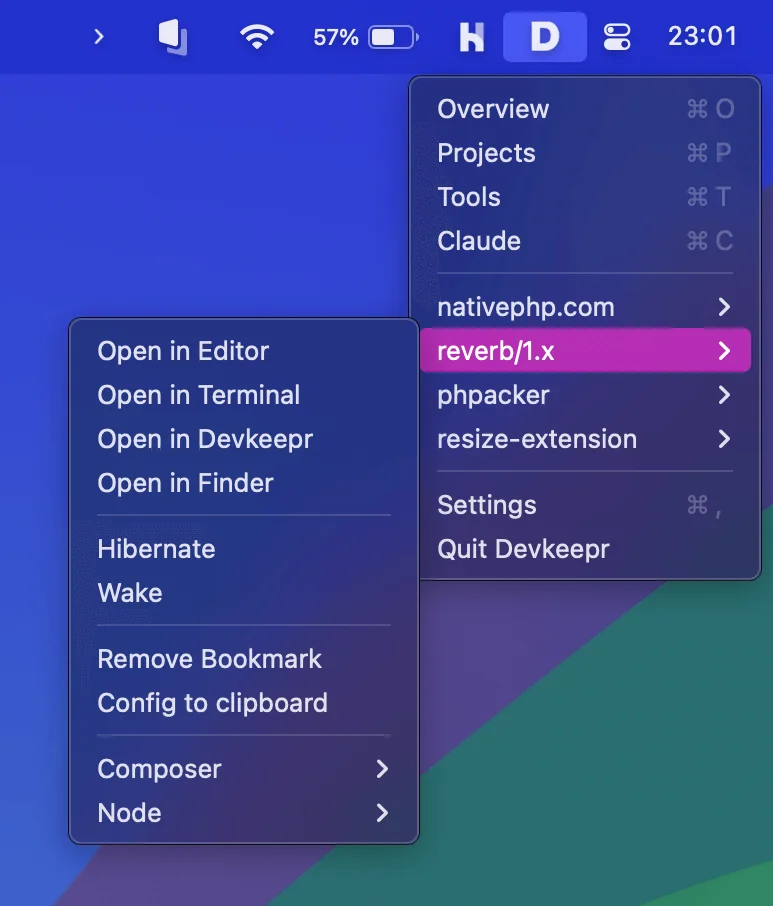
Pin your favorite projects to the macOS menubar for instant access from anywhere on your Mac. Open in your IDE, run scripts, or toggle hibernation in one click.
Start, stop, and restart Homebrew services like MySQL, Redis, and PostgreSQL without opening a terminal
Keep your local branches in sync with the remote automatically. Fetch new changes and prune stale branches so your repos stay clean.
Open log files directly from Devkeepr. Automatically detects log paths based on your project's stack (Laravel, Rails, Django, etc.).